
Alex MorganCo-parent ActiveMia: 2
Edit


When you don’t live with your child, video calls can quickly turn into a boring routine of the same questions and short answers.
Keep what your child enjoys ready in one place — so you can focus on your child instead of managing tabs, apps and links.
Free plan, no credit card needed.
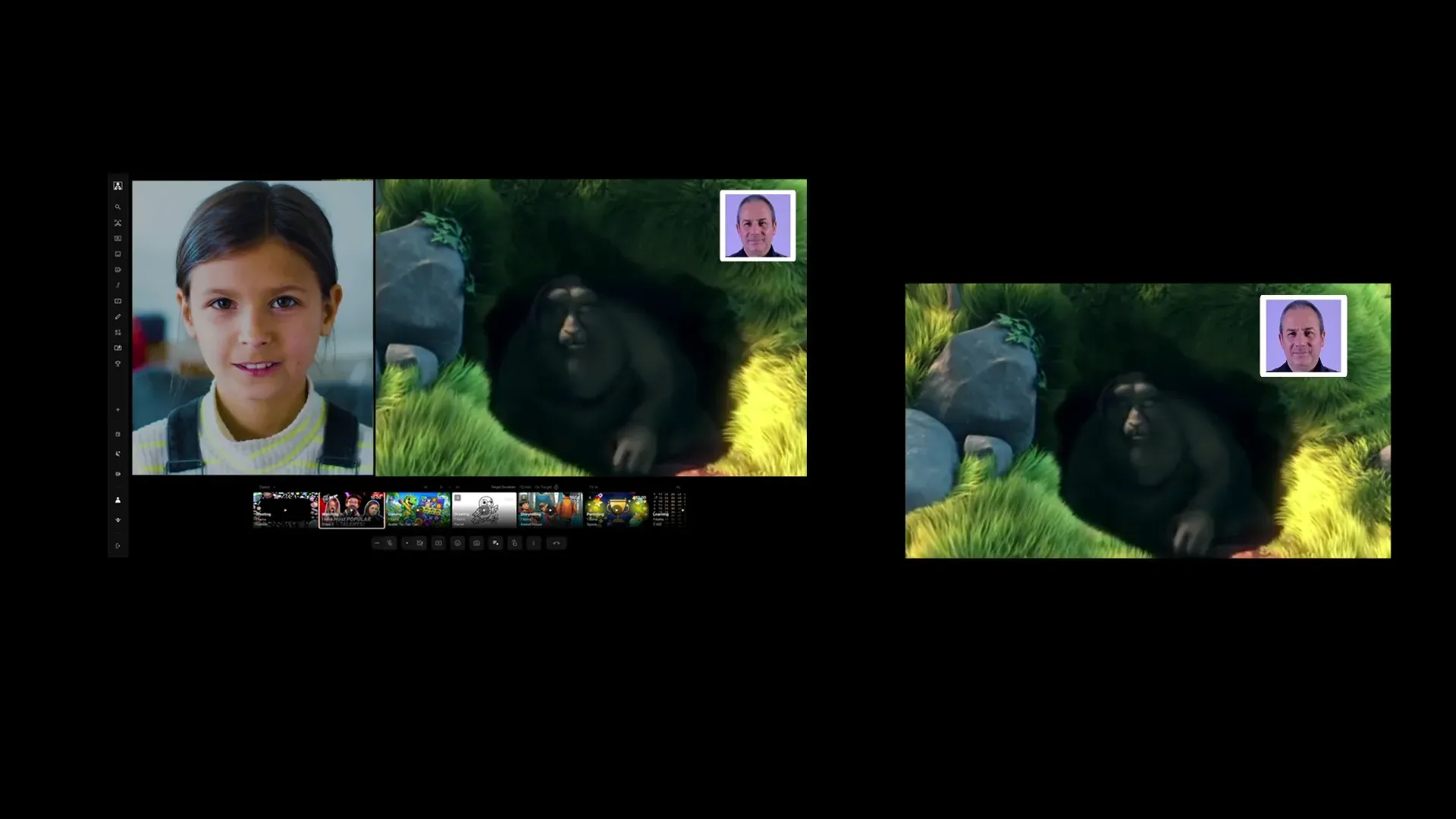

You don’t have to fill every minute with conversation.
Watch something together. See what makes them laugh, what surprises them, what holds their attention.Sometimes you learn just as much about your child by sharing the moment as by asking another question.
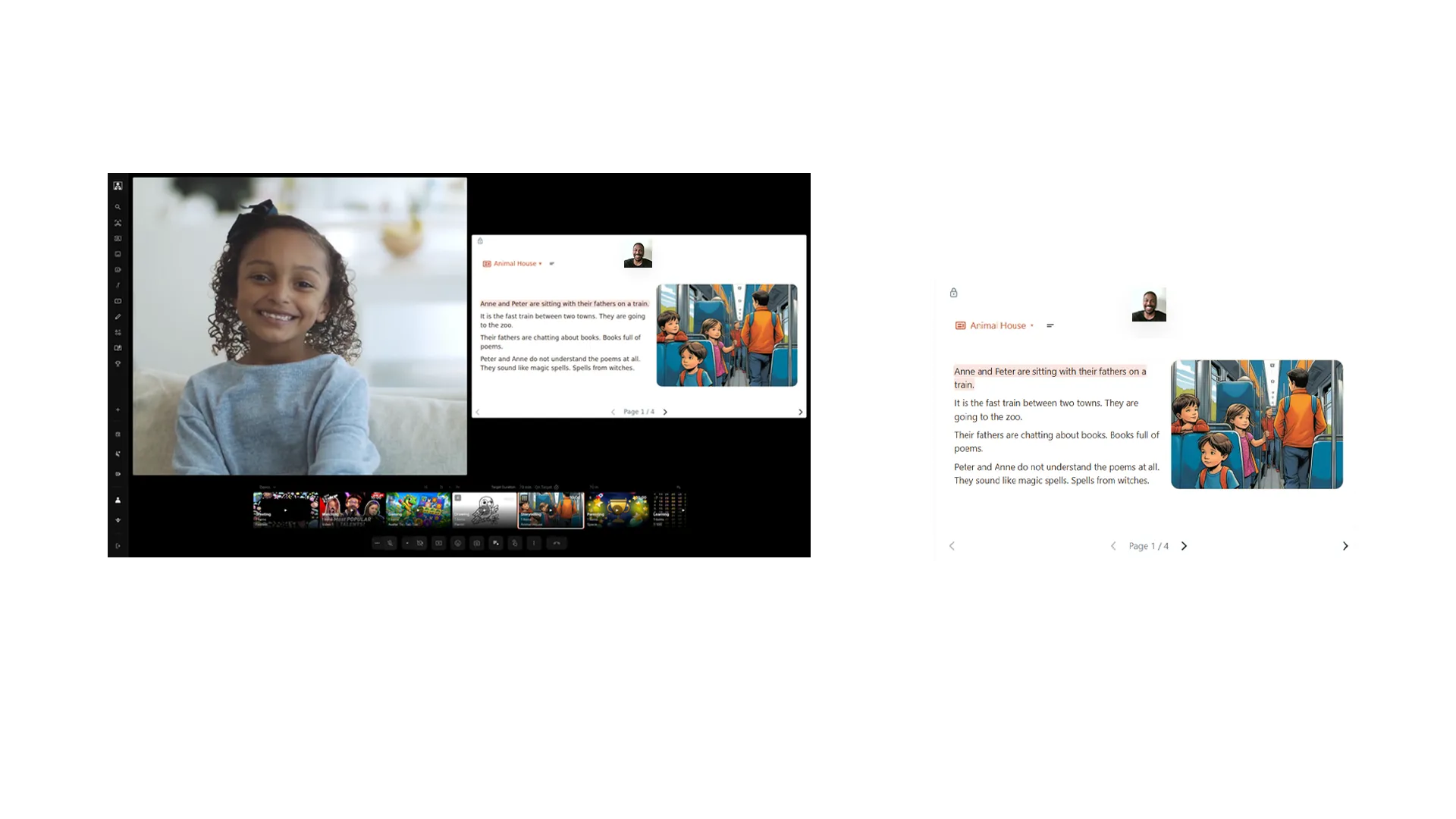
You still want to be the one teaching them some essentials.
Read together. Practise a language. Explain something they are curious about. Share what you know, your culture, your interests and the things you want to pass on.
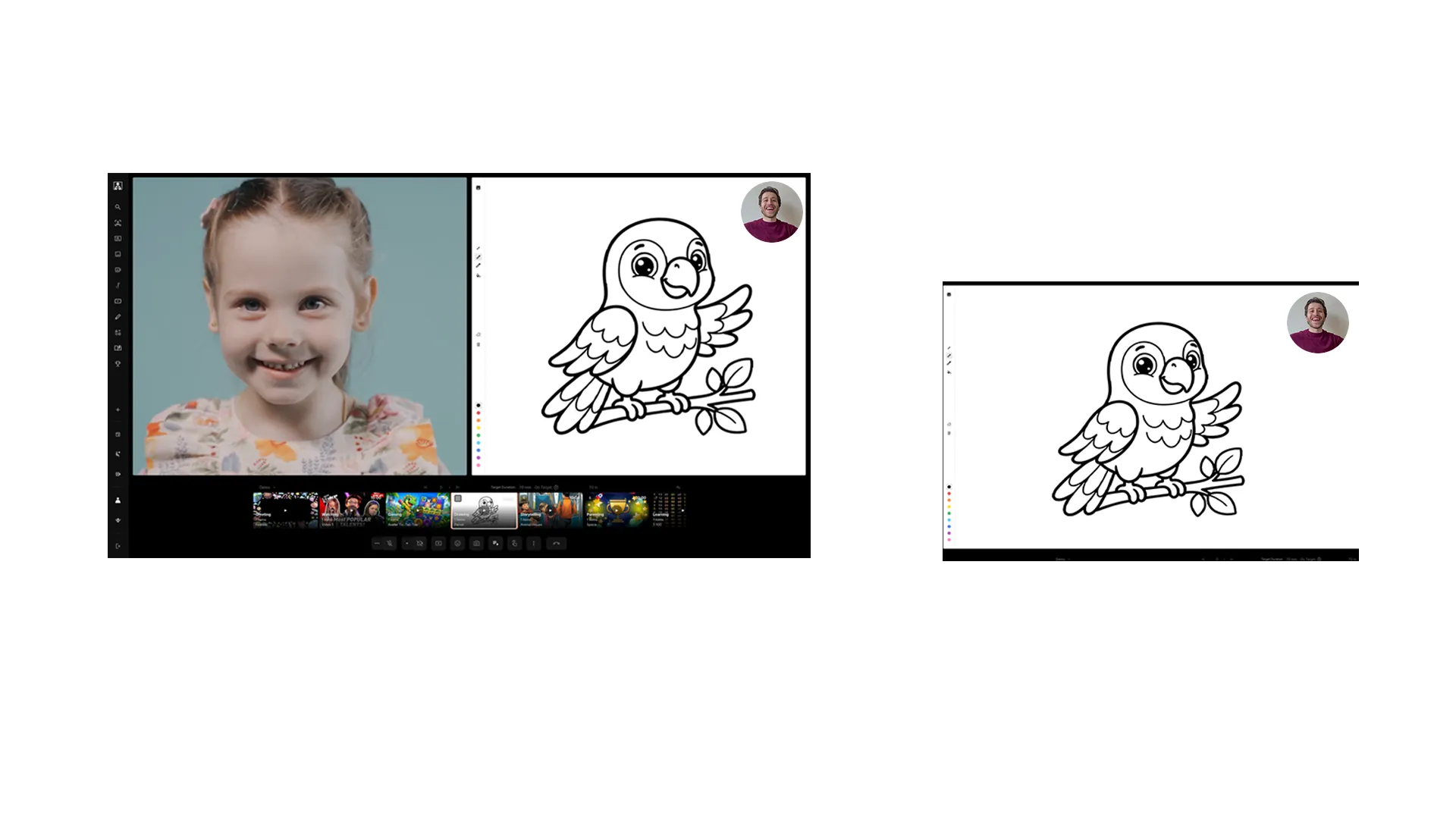
“How was school?” only gets you so far.
Draw on the same page. Add to each other’s ideas. Change what the other person started. Make something funny, strange or completely unexpected.The drawing gives both of you something to react to, so the conversation no longer has to carry the whole call.
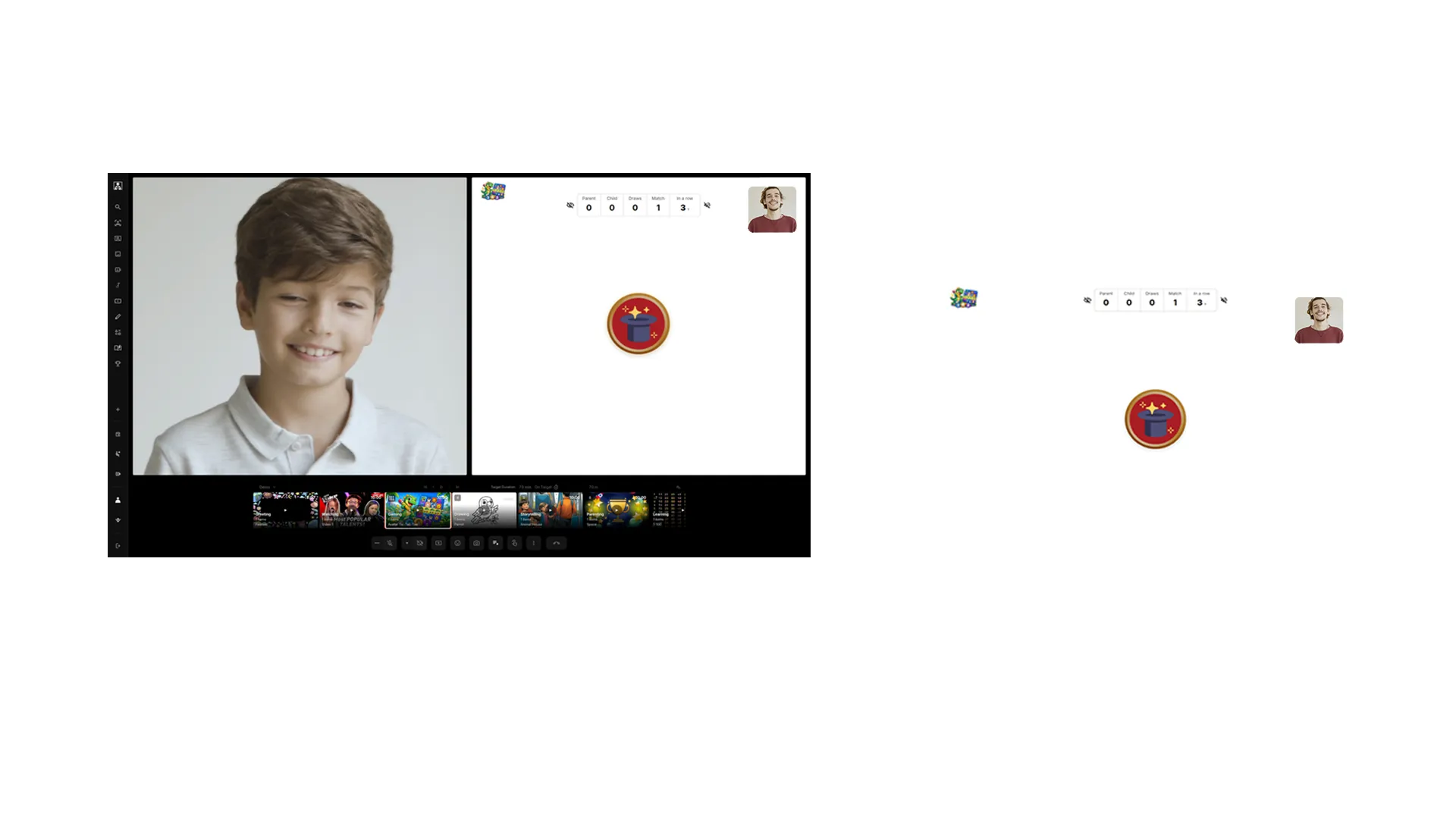
Playing is one of the most natural ways to connect with your child.
A game gives you something to react to together — choices, jokes, competition, winning, losing and trying again.You don’t have to keep finding questions just to keep the interaction going.
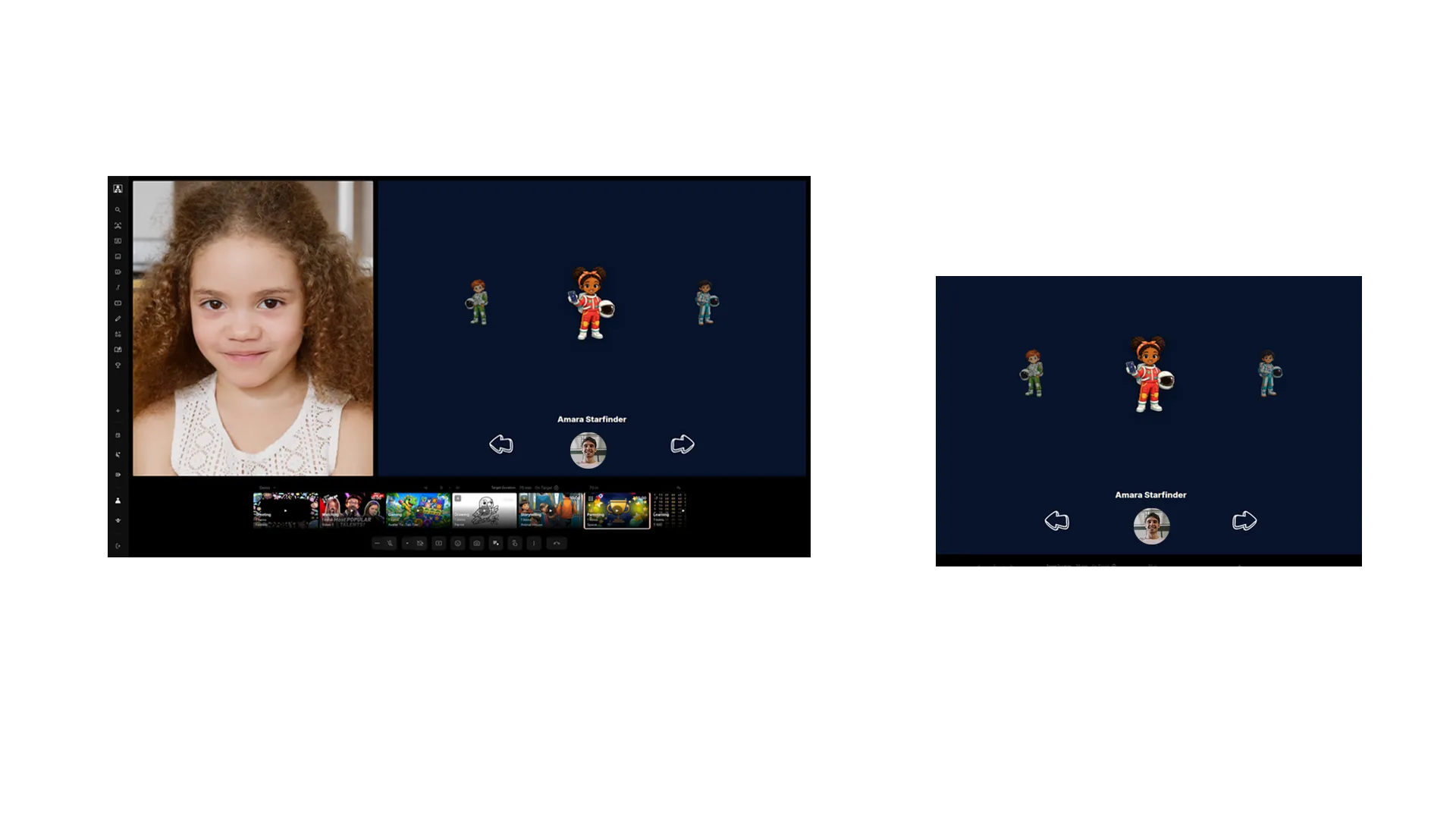
Being Dad is more than playing and making them laugh.
You still want to encourage good habits, set goals, notice effort and celebrate progress.Goals & Rewards gives you a way to work towards something with your child instead of only sending something to them.
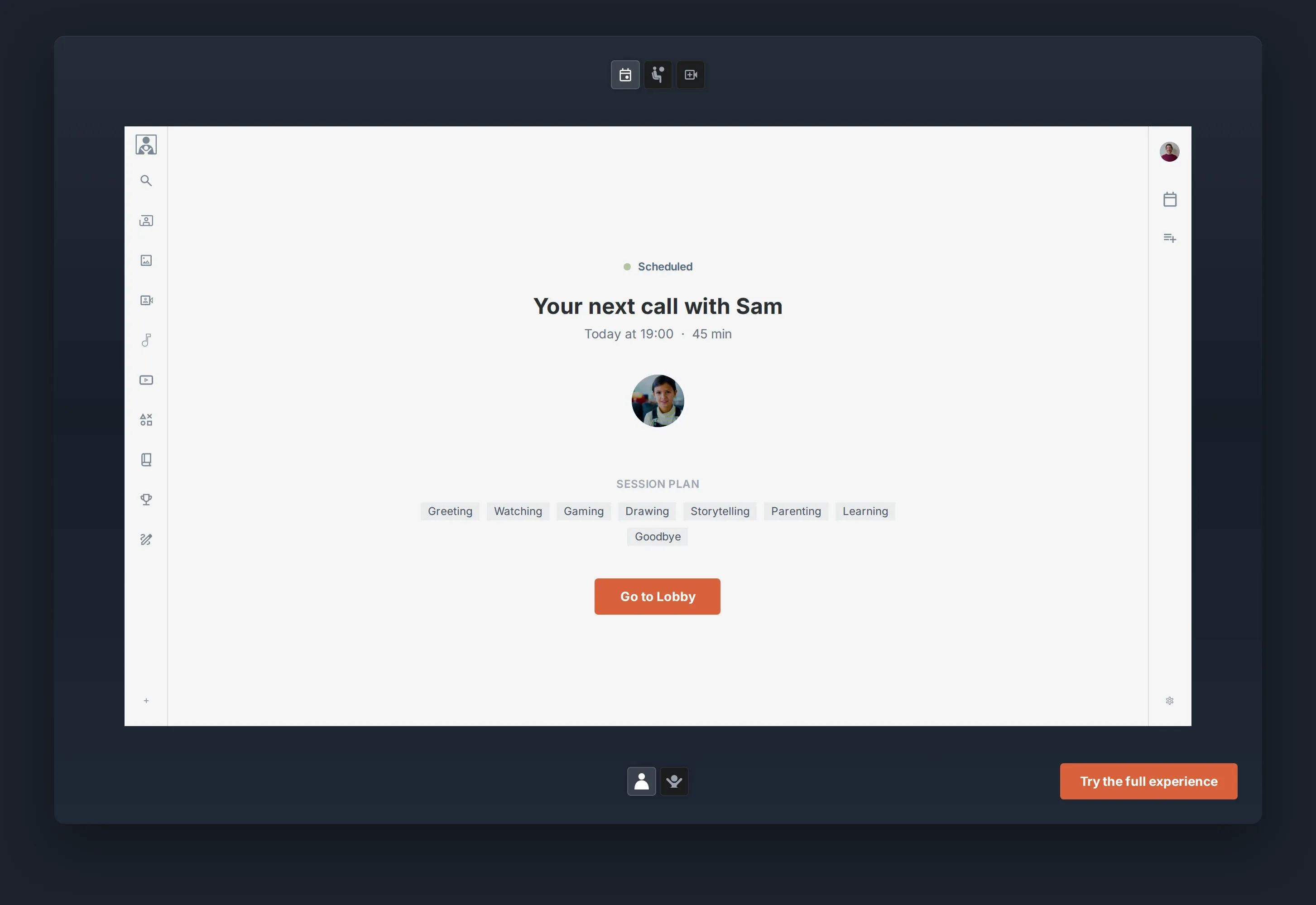
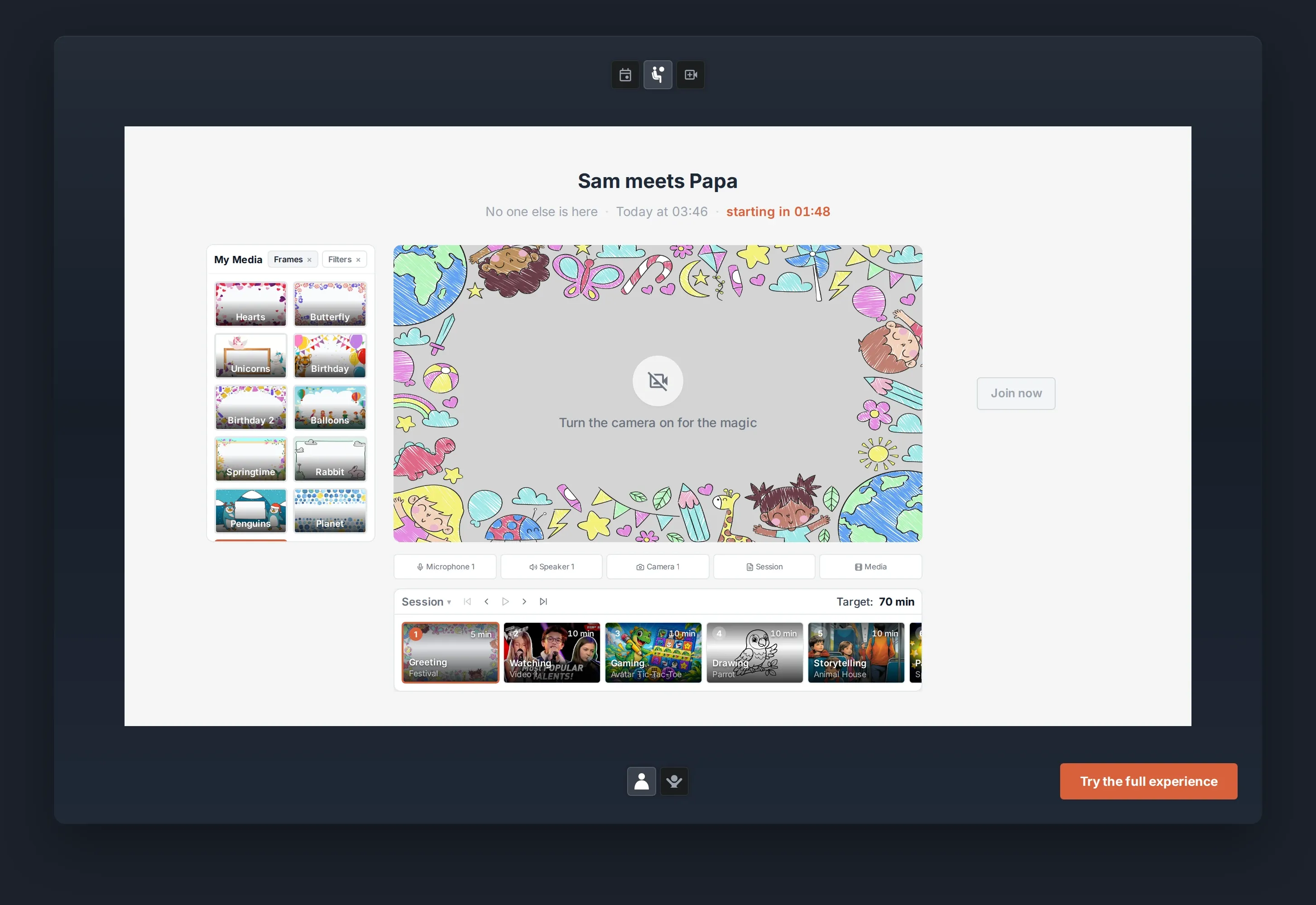
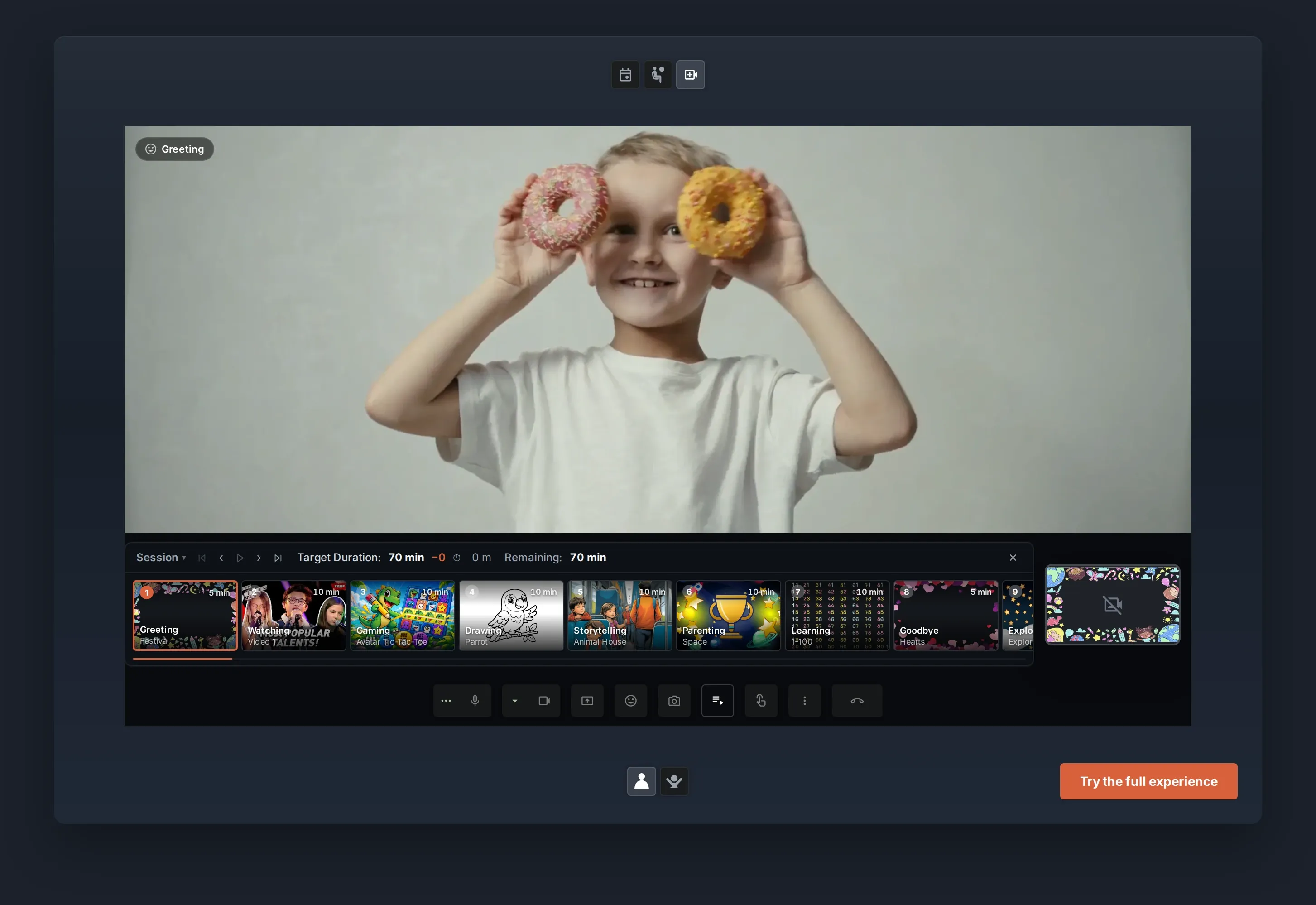
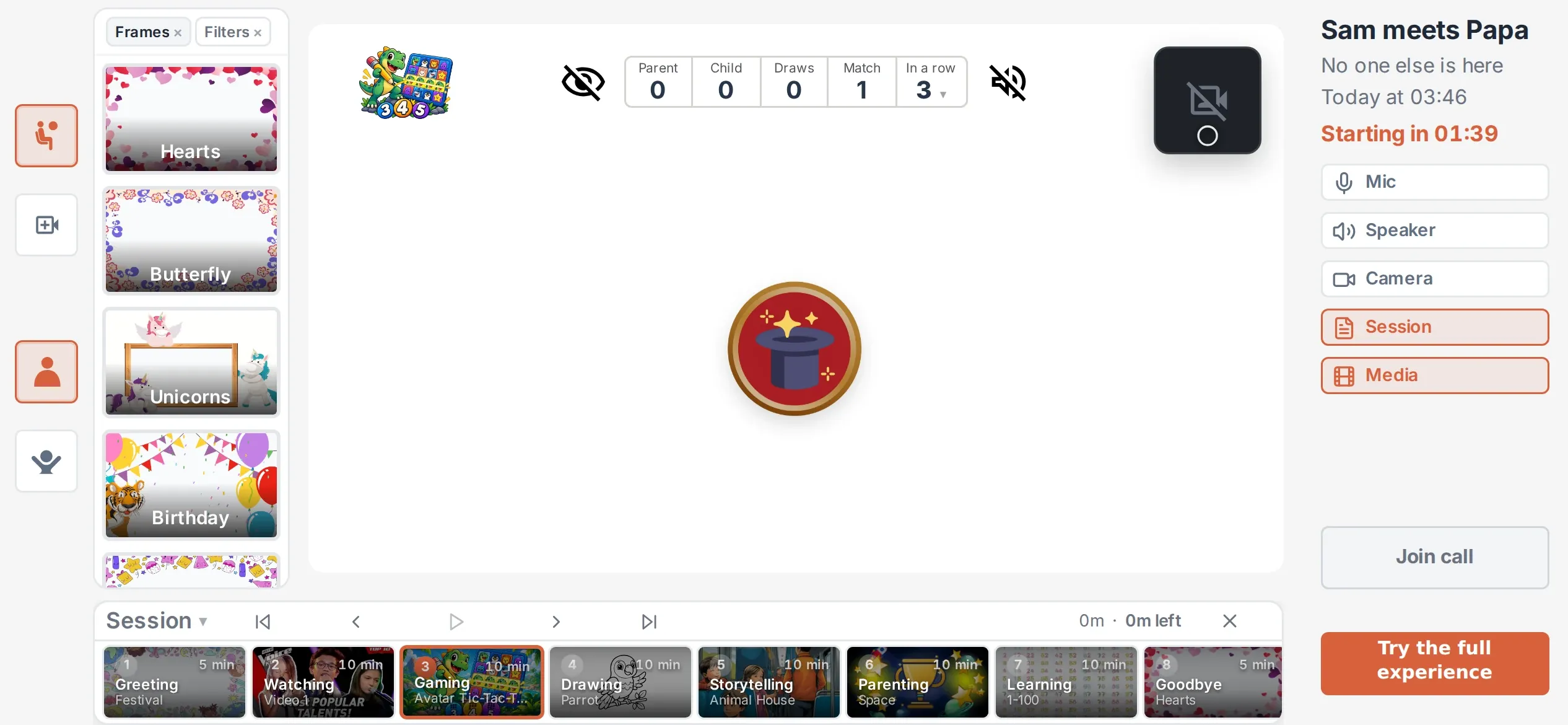
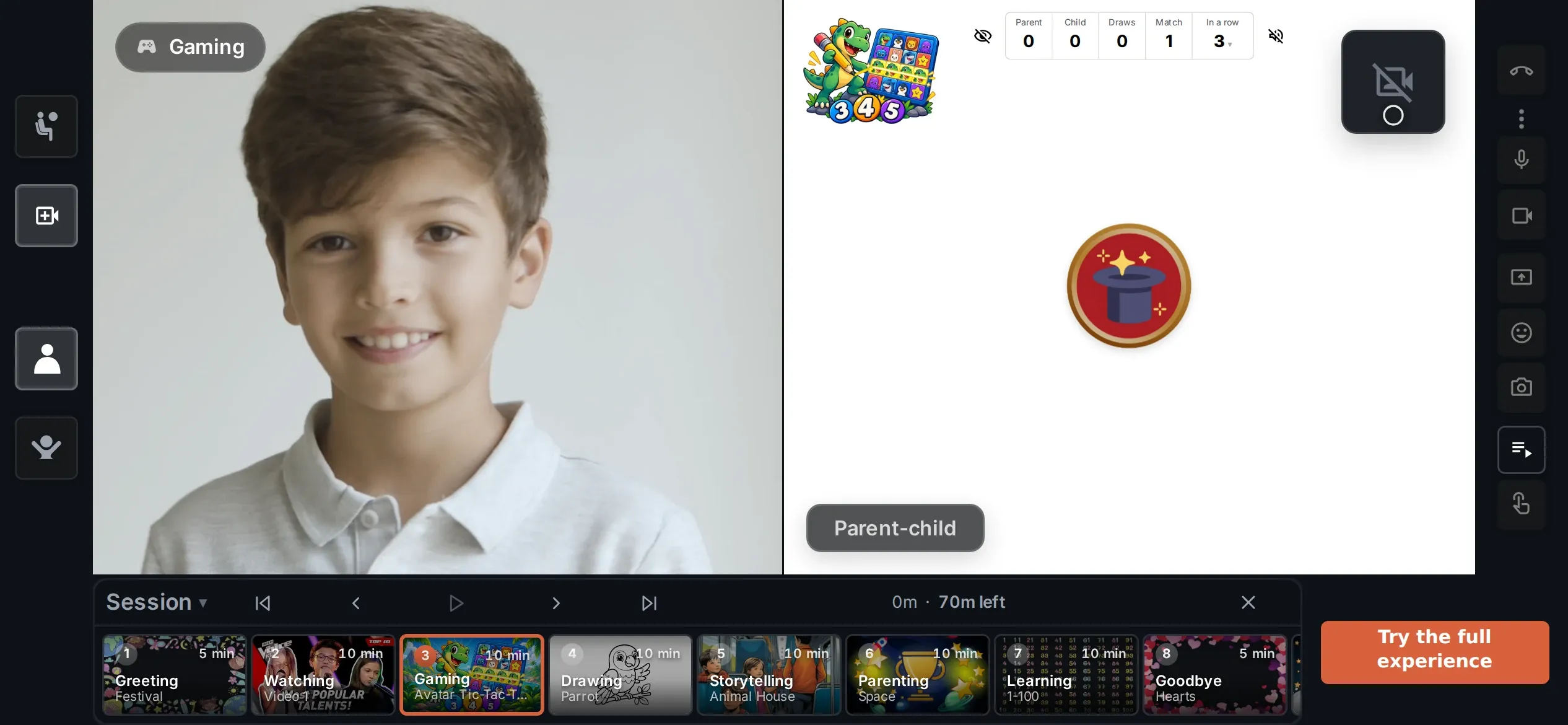
Your turn This is the live simulator. Click around, then scroll on when you are done.
When you live together, much of your relationship happens without sitting opposite each other and talking.
You experience things together. You play. Read. Learn. Joke. Sometimes you are simply there together. And naturally, you notice what your child likes.
At a distance, many of those spontaneous and natural possibilities disappear.
iZiViD makes online parenting possible — by bringing more of real life into the call.
iZiViD is a long-distance parenting platform built for dads who live apart from their children.
A personalized Session Timeline keeps the things you want to share organised in one place, so you can move easily between different experiences without searching through tabs, apps and links.
Everything is there when you need it.
How it works
Your kid gets the invitation link by email, and can log in with the 4-digit PIN, which you have provided separately.
Schedule a CallYour next call with Sam






Invitation
Link sent to Sam by email
You share the 4-digit PIN yourself
Message
“Can’t wait to see you!”
Set up your personalized Session Timeline: books, videos, games and more in one place, ready where you left off.
Use your Session Timeline to switch easily between activities while both screens stay in sync.
Focus on your child instead of searching through tabs, apps and links.
Free plan, no credit card needed.
How do I start preparing a video call?
Save time. Find out what works best for other dads.
Personalise media and activities to your kid's interests and tastes.

Try one of the Community items
Pick any Community item to see how it works.



 My Hands Children
 Parent 1Child 0✦
 ✦✦✦✦✦
✦✦✦✦✦







Create it your way
Dinosaurs this month, football the next. AI creation for drawings, games and learning activities is coming soon. This preview shows the intended experience.
Source
Drawings
Generate using
4 drawings created




Source
Filter(s)
Generate using
4 filters created



Prompt set details4 active pairs · 4 source images for identical matching
‹ Sources
Describe the complete set
Image direction
Generate using
4 matching pairs created


Create drawing templates of almost anything your child likes.
Visualise almost anything you want to teach or explore together.
Turn a generated image set into a personal game you can immediately play together.
Parent 2Child 1
Make your next call personal.
Start your next video call for freeAI creation and paid options are coming soon. This is an illustration of the planned experience.
Safety
One Main Account Holder manages the family account and invites children and Trusted Adults.
Trusted adults
A Trusted Adult does not automatically receive the Main Account Holder’s rights. Each proposed call needs separate approval under the product rules.
Permissions
The Main Account Holder is intended to set rights for each Trusted Adult. Enforcement still needs verification.
Call content
Images, videos, books and games can be shared during a call. Individual content permissions are planned and still need verification.
Account


Trust built in
Family account. iZiViD is for adult-organised calls with children, not an open social network. No ads. No data sold. iZiViD shows no ads of its own, and we do not sell your personal data.
YouTube content remains subject to YouTube’s rules.
European privacy protectioniZiViD B.V. is based in Amsterdam and operates under the GDPR and Dutch data-protection law.
Research
“The key conclusion is that the effect of the video call is determined by what is happening during the call and not by the platform itself.”
The project investigated how structured video calls can help long-distance parents maintain emotional closeness with their children.
Read the research →AI-assisted explainer based on the original research report
Start for free
Add a few things your child enjoys to your Session Timeline. Keep them in one place, easy to switch between and ready to use again next time.
 1WatchingFunny animal videos
 2GamingMemory Game
 3DrawingCat Running
 4StorytellingSleepless
Ready-made Community collections
Questions dads ask
FaceTime, WhatsApp and Google Meet are mainly built to help you see and talk to each other. iZiViD is built to help you spend time together.
Prepare a Session Timeline, watch videos, play games, draw, read stories, work on Goals & Rewards or use content your child already loves.
The call no longer has to depend on conversation alone. There is always something you can experience together.
If your current video calls already give you the connection you want, you may not need to change them.
iZiViD is for the calls that have become repetitive, too short or difficult to keep going. Instead of searching for another question to ask, you can simply move on to something you planned to do together.
It takes the pressure off the conversation and gives both of you something else to focus on together.
During a real visit, you do not sit opposite each other talking every second. You watch something, play, draw, read, learn, laugh or simply spend time together.
iZiViD brings that same idea into a video call. Instead of forcing conversation, you can be together and share experiences.
The call and what you want to share are in one place. You can prepare a Session Timeline ahead of time, choose activities spontaneously during the call, or combine both.
Preparation is optional: simply start the call and choose from the activities menu when you need it.
Using the Session Timeline in Support →You can start for free. Your child does not need a paid account to join your calls.
Paid plans and live checkout are coming soon. Their details will be shown before you pay.
Membership & pricing in Support →iZiViD offers content for different ages and interests. Choose games, stories, drawing, videos or learning activities that fit your child.
The Main Account Holder is meant to decide which interactions are suitable. Automatic age-based permissions and individual controls have not yet been verified.
Age settings in Support →A laptop, desktop, tablet or phone with a camera, a microphone and a stable internet connection — we recommend at least 5 Mbps. Current versions of Chrome, Firefox, Edge and Safari are supported. A working camera is required on both sides: if you switch your video off, your child’s feed pauses too.
You can prepare the Session Timeline and activities beforehand, so your child does not need to organise the call or prepare content themselves.
Devices & browsers in Support →Not necessarily. You organise the call, and your child uses the link and PIN you gave them to reach the relevant call environment. How much another adult helps depends on your child’s age, device access and family situation.
A Trusted Adult can be invited to the family account. Each call they propose requires separate approval by the Main Account Holder under the product rules; enforcement still needs verification.
Trusted adults in Support →Yes. You can use your own photos and videos alongside iZiViD content — add them from your device or your cloud storage, or prepare a YouTube playlist to watch together in real time.
That makes it easier to build activities around memories, interests and things that matter specifically to your child. Netflix and similar subscriptions are not supported yet.
Sharing photos & videos in Support →Yes. Everything you create starts private to your family. Personal media and activities do not have to be shared with the Community.
You choose per item, and only share something when you deliberately decide to.
Safety & privacy in Support →iZiViD is built for one-on-one calls, because that is where the relationship is. Two children can sit together at the same device, but two child accounts cannot join the same call from different places.
Multiple children in Support →From the Calendar in the right-hand menu: pick a date and time and confirm the session. On desktop you can add it to your own calendar in one click.
Scheduling in Support →A child cannot create a regular account, schedule or start a call, or use activities outside an adult-organised call. The intended lobby window begins ten minutes before the appointment; the current app still needs to be updated and verified against that rule.
Child log-in in Support →Nothing here matches that.
Not covered here? View all Support questions →